Most agents still wait for a human to press go. This release is about what DocsGPT does when nobody's watching, and how you see exactly what happened the morning after.
They Run Without You
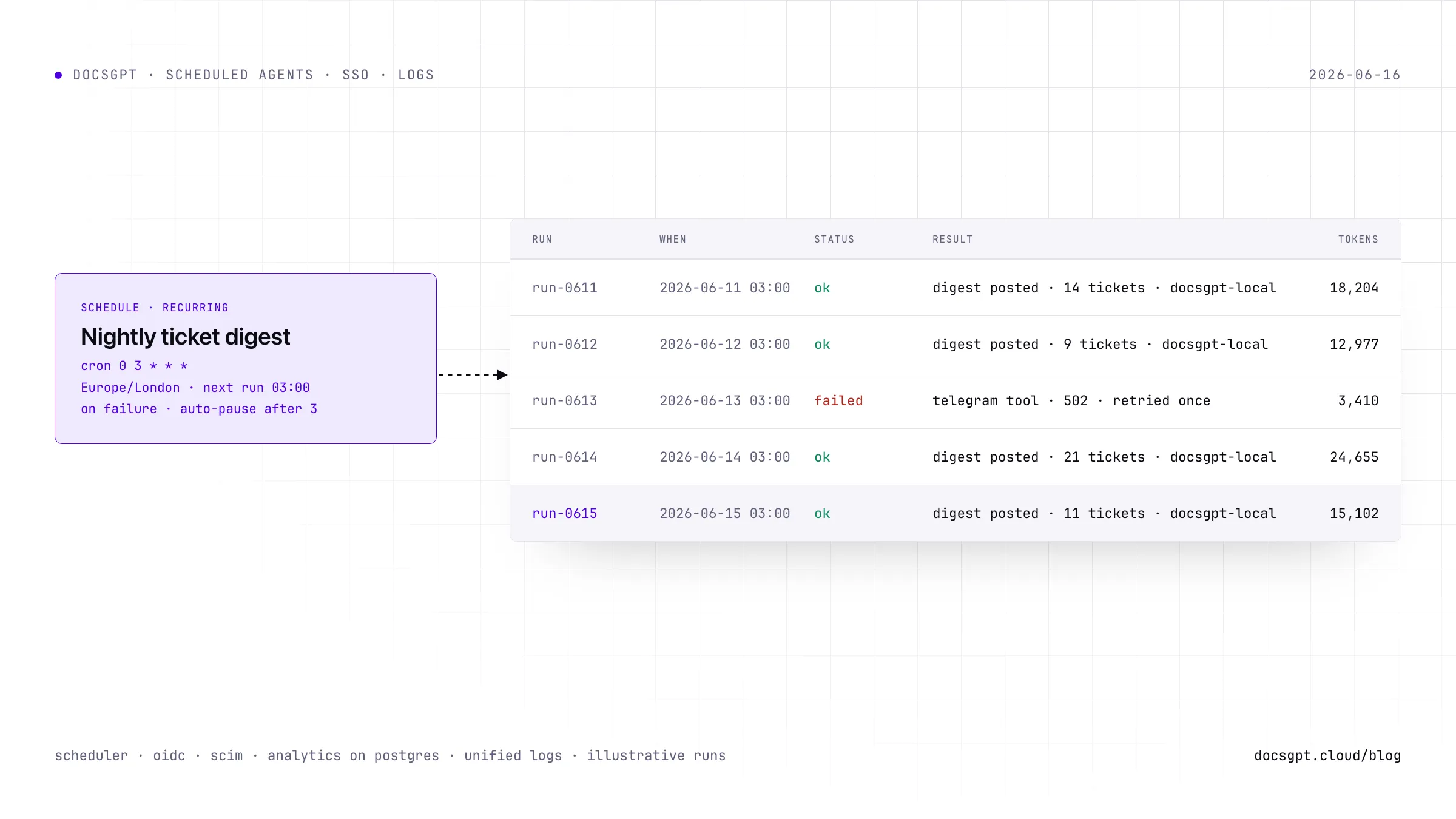
Agents can now run on their own, once at a future time or on a recurring cron schedule, with no one in the loop. There are two ways to set it up.
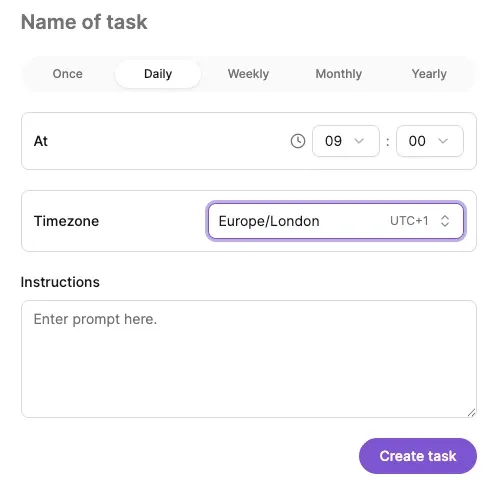
From inside a chat, the agent schedules its own follow-up work through a new internal scheduler tool. Give it a relative delay like 30m, 2h, or 1d, or an absolute ISO-8601 run_at with an optional timezone, and the full instruction fires at that time, including its delivery step like posting a summary to your Telegram. It works in both agent-bound and agentless conversations.
From the UI, every agent gets a Schedules tab with full control over recurring and one-time jobs: cron validation, a next-run preview, and pause, resume, or cancel.
Underneath sits a dedicated dispatcher and worker, per-run history with token usage and model id, and auto-pause that catches runaway or failing schedules before they cost you.
Why it matters: this is the foundation for agents that act on their own, and it pairs naturally with the new notification system and remote-device tool.
Sign In Like a Company
Enterprise authentication arrives in full. Log in through any standard OpenID Connect provider, with automatic token renewal and proper logout handling. OIDC groups flow through to DocsGPT for access control, and SCIM provisioning syncs user creation and removal automatically, so changes in your identity provider show up in DocsGPT without anyone managing accounts by hand.
During security review we hardened sessions with CSRF protection, token revocation, and refresh handling. There's also a new profile dropdown in the top right for managing your signed-in session.
Why it matters: teams onboard and offboard people through the tools they already run, instead of treating DocsGPT as one more place to maintain a user list.
Text version
Your identity provider on the left, for example Okta, Entra ID or Keycloak. Two connections run to DocsGPT on the right. OpenID Connect handles login: groups are passed through for access control, tokens are renewed automatically and logout is handled properly. SCIM, highlighted, handles provisioning: users created or removed in the identity provider appear in or disappear from DocsGPT without anyone managing accounts by hand. Inside DocsGPT the sessions are hardened with CSRF protection, token revocation and refresh handling.
Know Exactly What Ran
When agents run without you, you need a record of what they did. Analytics moved to Postgres with agent filtering that matches both attribution stamps, api_key for external traffic and agent_id for owner and headless runs. You get new tool and schedule analytics, token usage grouped by model, agent, or source, and rebuilt charts on the Analytics page.
Logs got the same treatment. Chat, system, webhook, workflow, and schedule events now share one timeline you can filter by level, type, and free-text search. Every tool-call attempt is stamped with the user and agent that triggered it at propose time, so each execution is attributable from end to end.
Why it matters: autonomy without an audit trail is just hoping for the best.
Also In This Release
A few more things shipped alongside the headliners:
- OpenAI-compatible
/v1/chat/completionswith structured outputs, multimodal input, and tool continuation - DeepSeek support
- Search across your conversations, and sharing controls
- An in-app notification system
- Connect a remote device and use it as an agent tool
- An ASGI rewrite, durability and idempotency keys
- Try DocsGPT Cloud
- Explore the Repository
- Join our Community on Discord, X and LinkedIn